Affiliate Disclosure: Some links below are affiliate links. If you buy through them, we may earn a commission at no extra cost to you. Our verdict is our own.
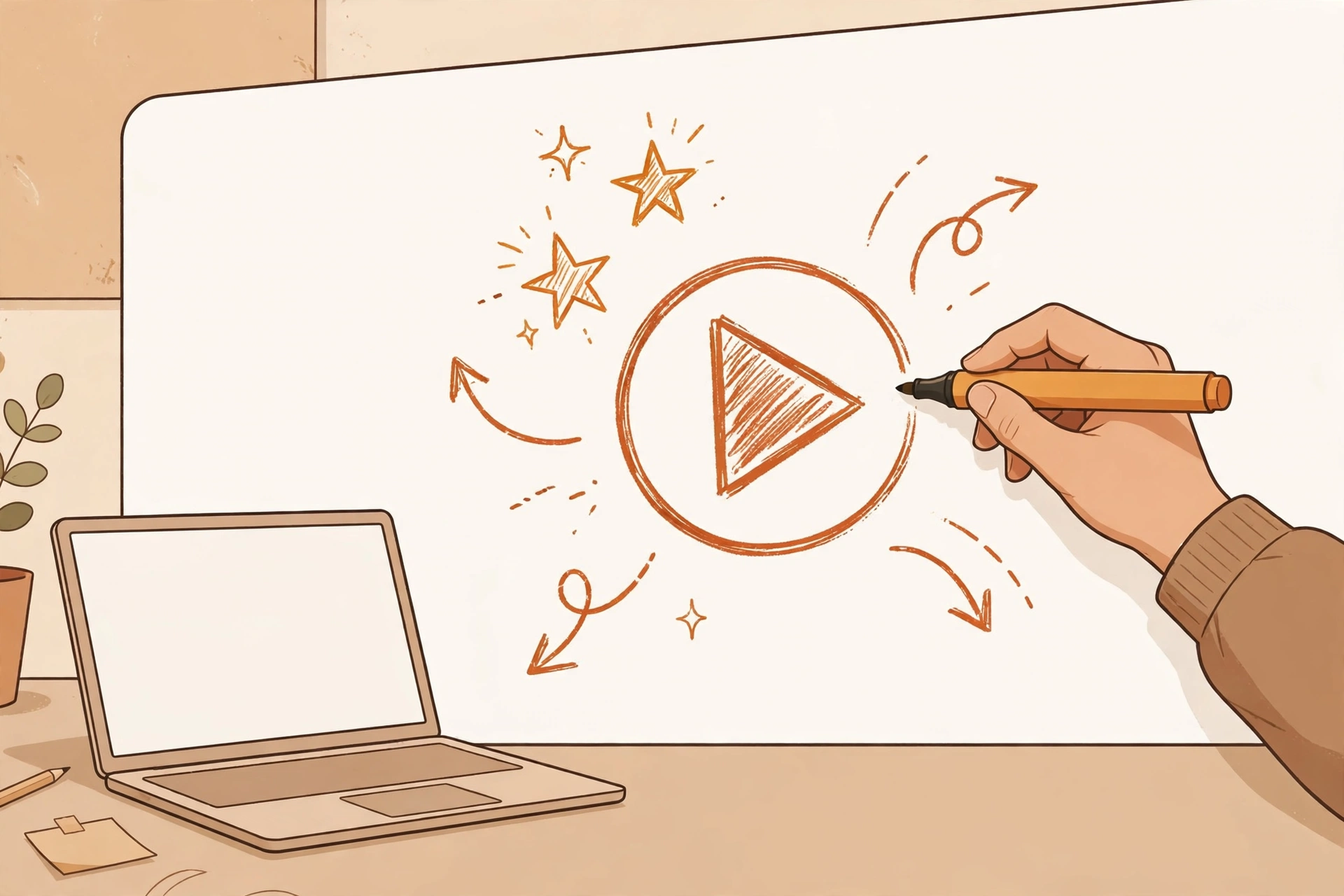
Doodle videos refuse to die. The whiteboard style has been around for over a decade, and it still shows up in ads, course intros, and YouTube explainers. There is a reason. A hand sketching out an idea on screen holds attention in a way a talking head sometimes does not. Our eyes follow the drawing hand. It is simple psychology, and marketers have been renting it for years.
The problem was always the making. Traditional doodle video software meant hours of dragging assets around a timeline, syncing voiceovers by hand, and exporting, re-exporting, and fixing. InstaDoodle claims AI collapses that process into minutes: type or upload your content, let the AI build the sketch animation, and download a finished video. No design skills required.
That is a big promise for $37. In this InstaDoodle review, I will walk through what the tool actually does, who it suits, what it costs (I verified the pricing at the real checkout, not just the sales page), where it falls short according to people who have used it, and how it compares to the established names. No hype, no invented screenshots of my “earnings.” Just the facts as I found them.
InstaDoodle Review: What It Actually Is
InstaDoodle is a cloud-based AI doodle video creator sold through ClickBank. You log in through a browser, there is nothing to install, and the core pitch is text-to-video for the whiteboard style. You provide a script or an idea, the AI generates the sketch visuals and animation, and you get a doodle video out the other end.
The target output is the classic whiteboard explainer: a hand drawing characters, icons, and text on a white background while a voiceover plays. Think product explainers, ad creatives, course lessons, social media videos, and presentation openers. The vendor includes a commercial license, so videos you make can be used for client work or sold as a service, not just personal projects.
A quick note on how I researched this. I verified the price and billing terms on the live ClickBank order form, pulled the feature list from the vendor’s own materials, and gathered the limitations from independent third-party reviews by actual users. I am not going to pretend I animated a short film with it. What follows is an honest synthesis, and I will flag where each claim comes from.
Who Should Buy InstaDoodle (and Who Should Skip It)
This tool makes sense for a specific set of people.
Content creators and YouTubers who want whiteboard-style explainers without learning animation software. If your channel covers finance, history, self-improvement, or anything explanation-heavy, doodle videos are a proven format, and the AI shortcut matters most when you publish often.
Affiliate marketers and advertisers who need fast video creatives. Short doodle clips work well as ad creatives and landing page videos because they are cheap to produce and easy to iterate. If you already run paid traffic, you know creative testing eats time. A tool that turns a script into a video in minutes has obvious appeal here. If you are new to the model, our beginner’s guide to affiliate marketing explains how the business works before you spend a dollar on tools.
Freelancers and side hustlers selling video services. Doodle videos are a classic freelance gig: businesses constantly need explainers and do not want to make them. With a commercial license included, you can sell what you produce. It pairs naturally with other beginner-friendly services on our side hustle ideas list, especially if you already do freelance writing or social media work and want a higher-ticket add-on.
Course creators and coaches who need lesson intros, concept explainers, or sales video elements without hiring an animator.
Who should skip it? Professional animators and motion designers will find it limiting; the honest user feedback is clear that this is not a pro animation suite. Anyone without reliable internet should also pass, since it is 100 percent cloud-based. And if you need cinematic quality or complex character acting, look at full animation platforms instead (more on those below).
How InstaDoodle Works
The workflow the vendor describes is straightforward, and this is where the AI pitch lives or dies.
You start with your content. That can be a script you type in, which the AI turns into a video, or an image you upload, which the image-to-sketch converter redraws in doodle style. From there, the AI assembles the animation: sketch elements draw themselves onto the canvas in sequence, timed against your audio.
For audio, you can upload your own voiceover and the tool syncs the drawing animation to it, or use AI-generated voices. There is also a multilingual AI voices add-on at checkout ($27) if you produce content in more than one language.
You build on slides, placing the 1,000+ included doodle characters and sketch elements where you want them, then export in 1080p HD. Because it is cloud-based, your projects live in the browser and you can work from any computer.
If that sounds almost too smooth, keep reading. The limitations section is where the real picture fills in. But if the workflow already sounds like what you need, you can see the current offer on the official InstaDoodle page.
Features That Actually Matter
Cutting through the sales page, here is the feature set that counts:
AI text-to-video. The headline feature. Type a script, get a sketch-animated video. This is the main time saver versus traditional doodle software, where every element is placed and timed by hand.
1,000+ doodle characters and sketch elements. A large built-in asset library matters more than it sounds. Doodle videos live or die on visual variety; a thin library means every video you make looks like every other video you make.
Image-to-sketch converter. Upload a regular image and get it redrawn in sketch style. Useful for turning product photos, logos, or diagrams into on-brand doodle assets.
Voiceover upload with sync. Upload your own narration and the animation timing follows it. This is important because mismatched audio is the fastest way to make a doodle video feel amateur. If you would rather not record narration yourself, our Speechelo review covers a dedicated AI text-to-speech tool that pairs well with doodle videos.
1080p HD export. Full HD output is table stakes in 2026, but worth confirming, and it is here.
100% cloud-based. No installs, no worrying about whether your laptop can run it, work from anywhere. The tradeoff is the internet requirement, covered below.
Commercial license included. You can use the videos for client work and commercial projects. For freelancers, this is arguably the most valuable line item on the list. Without it, the tool would be a toy.
InstaDoodle Review: Pricing and Upsells (Verified at Checkout)
Here is the part I verified personally at the live ClickBank order form, because sales pages and checkout pages do not always agree.
Front-end price: $37, one-time. This is the part worth emphasizing. The order form shows a single $37 charge. No subscription, no recurring billing, no annual renewal hiding in the fine print. One payment, you get the core software. In a market where most video tools charge monthly, that pricing is genuinely unusual.
Known upsells. After the front end, expect the standard funnel:
- InstaDoodle Pro Upgrade, $97 one-time. The enhanced tier with more features.
- InstaDoodle AI Wizard, $67 one-time. Additional AI capabilities.
- A $27 multilingual AI voices add-on appears at checkout for extra voice languages.
You do not need any of these to use the core product. My take: buy the front end, actually make videos with it for a week or two, and only then decide whether an upgrade solves a problem you genuinely have. Upsells bought on impulse on day one are how $37 tools quietly become $200 tools.
For context on whether the price makes sense, the ClickBank marketplace numbers are public: the product carries a gravity of 20.6 (meaning affiliates are actively and successfully promoting it), an average of $39.59 per sale, 50% commissions, a 3.08% conversion rate, and $1.38 earnings per click. Translation: it sells steadily at this price point. Gravity measures affiliate activity, not product quality, so read it as a demand signal rather than a review score.
The seller offers a refund.
If the pricing sounds fair for what you need, the $37 offer is here on the official page.
Where It Falls Short: Honest Limitations
A review that only lists features is an ad. Here are the real weaknesses, gathered from third-party user reviews, and I would rather you know them before buying than discover them after.
AI image generation is hit-and-miss and slow. The AI visuals do not always match the prompt well, and generation can take a while. If you need precise, art-directed imagery, you will be regenerating and tweaking. The AI gets you 80% of the way quickly; the last 20% is still manual.
Text animation can look awkward at slower speeds. When the drawing animation runs slow, text reveals can look clunky rather than charming. This is the kind of thing you only notice in your own exports, and it means checking your timing rather than trusting defaults.
Managing multiple objects on a slide is fiddly. Users report that arranging several elements on one slide gets awkward. Complex scenes with lots of moving parts are not this tool’s happy place. Simpler slide compositions work better, which is a real constraint on what you can build.
It requires an internet connection. Cloud-based means no offline work, period. If your connection is flaky, so is your workflow.
Not for advanced animators. This keeps coming up in user feedback and it is worth repeating plainly. If you do motion design professionally, InstaDoodle will feel like a toy. It is built for speed and simplicity, and those come at the cost of fine control.
None of these are dealbreakers for the target user described above. They are dealbreakers only if you buy the wrong tool for your needs, which is exactly why the “who should skip it” section exists.
InstaDoodle vs. the Alternatives
Three names come up in every doodle video conversation. Here is how InstaDoodle positions against them, kept to what is broadly established.
Doodly is the best-known dedicated doodle video software and the default comparison. It is a mature product with a large asset library and an established user base. It has historically cost significantly more than $37, and its pitch is drag-and-drop control rather than AI generation. If you want maximum manual control over every element and do not mind the learning curve or the price, Doodly is the safe incumbent. If you want AI to do the heavy lifting and $37 one-time appeals to you, InstaDoodle is the challenger bet.
VideoScribe is another long-standing whiteboard animation tool, popular in education and corporate training. It is subscription-based, which makes InstaDoodle’s one-time pricing the obvious contrast. VideoScribe’s strength is its huge library and polish; its weakness for a casual buyer is the ongoing cost. For someone making occasional videos, a single $37 payment versus a monthly subscription is a meaningful difference over a year.
Vyond plays a different game entirely. It is a full character-animation studio aimed at businesses making training and explainer content, with pricing to match. It is more powerful and far more expensive. Comparing InstaDoodle to Vyond is like comparing a point-and-shoot to a cinema camera. If you need Vyond, you already know it, and InstaDoodle was never competing for your wallet.
My honest read: InstaDoodle is not trying to beat these tools at their own game. It is competing on speed and price. AI-assisted creation at a one-time $37 is a different value proposition from a monthly subscription to a manual tool. For high-volume, good-enough video production, that tradeoff favors InstaDoodle. For precision work, it does not.
Frequently Asked Questions
Is InstaDoodle a scam? No indication of it. It is a real product sold through ClickBank with a working order form, verifiable pricing, and a public vendor. That said, “not a scam” and “right for you” are different questions, which is why we wrote a full scam investigation on InstaDoodle that digs into the red flags people usually ask about.
Is InstaDoodle worth $37? For the right buyer, the math is friendly. One freelance doodle video gig typically pays multiples of $37, and the commercial license means a single client project can cover the cost many times over. For casual users, it comes down to whether you will actually make videos with it. We break the value math down properly in our is InstaDoodle worth it analysis.
Do I need design or animation skills? No. That is the entire pitch. If you can write a script and click through a web app, you can produce a video. The tradeoff, per the limitations above, is less fine control than manual tools.
Does it work on Mac and Windows? It is 100% cloud-based, so it runs in any modern browser on any operating system. Nothing to install.
Can I use the videos for client work? Yes. A commercial license is included, so videos can be used commercially, including freelance client projects.
Are there monthly fees? No. The front end is a $37 one-time payment, verified on the order form. The Pro upgrade, AI Wizard, and extra voices are optional one-time upsells, not subscriptions.
What if I buy it and regret it? The seller offers a refund.
Verdict: Who Should Click Buy
InstaDoodle is a legitimate, sensibly priced tool for a specific job: turning scripts into decent doodle videos fast, without learning animation software and without a subscription. The $37 one-time price is the strongest part of the offer. The AI text-to-video and the commercial license are the strongest parts of the product. The honest weaknesses, fiddly multi-object slides, hit-and-miss AI imagery, awkward slow text animation, are real but manageable if your needs are straightforward.
It is not for professional animators, it is not for offline work, and it will not replace a skilled human on a demanding project. But most buyers are not hiring for demanding projects. They need explainers, ad creatives, course videos, or a freelance service they can deliver this week. For that buyer, the value equation is hard to argue with.
If that is you, get InstaDoodle here on the official page. One payment of $37, no subscription, and you can be making your first video today.